Frequently Asked Questions
How to Install RMM Agent
A device enrollment email will be sent to each user. The email contains instructions that will allow them to enroll their device. An example mail is shown below.
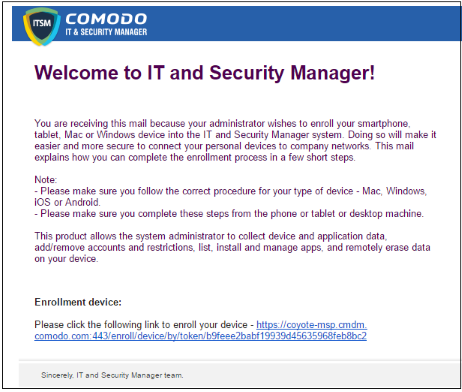
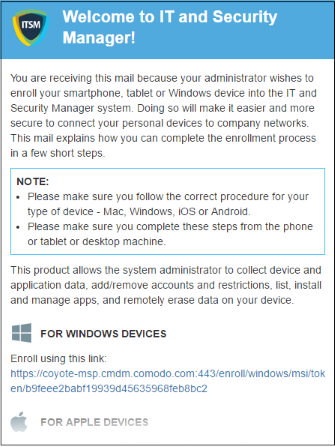
- Clicking the link will take the user to the enrollment page containing the agent/profile download and configuration links.
- Click on the enrollment link under 'For Windows Devices'.
- Double click on the file to install the agent.
Last updated 12/23/2018 5:26 pm
Please Wait!
Please wait... it will take a second!